




Intel RealSense D430 的资料真少啊...
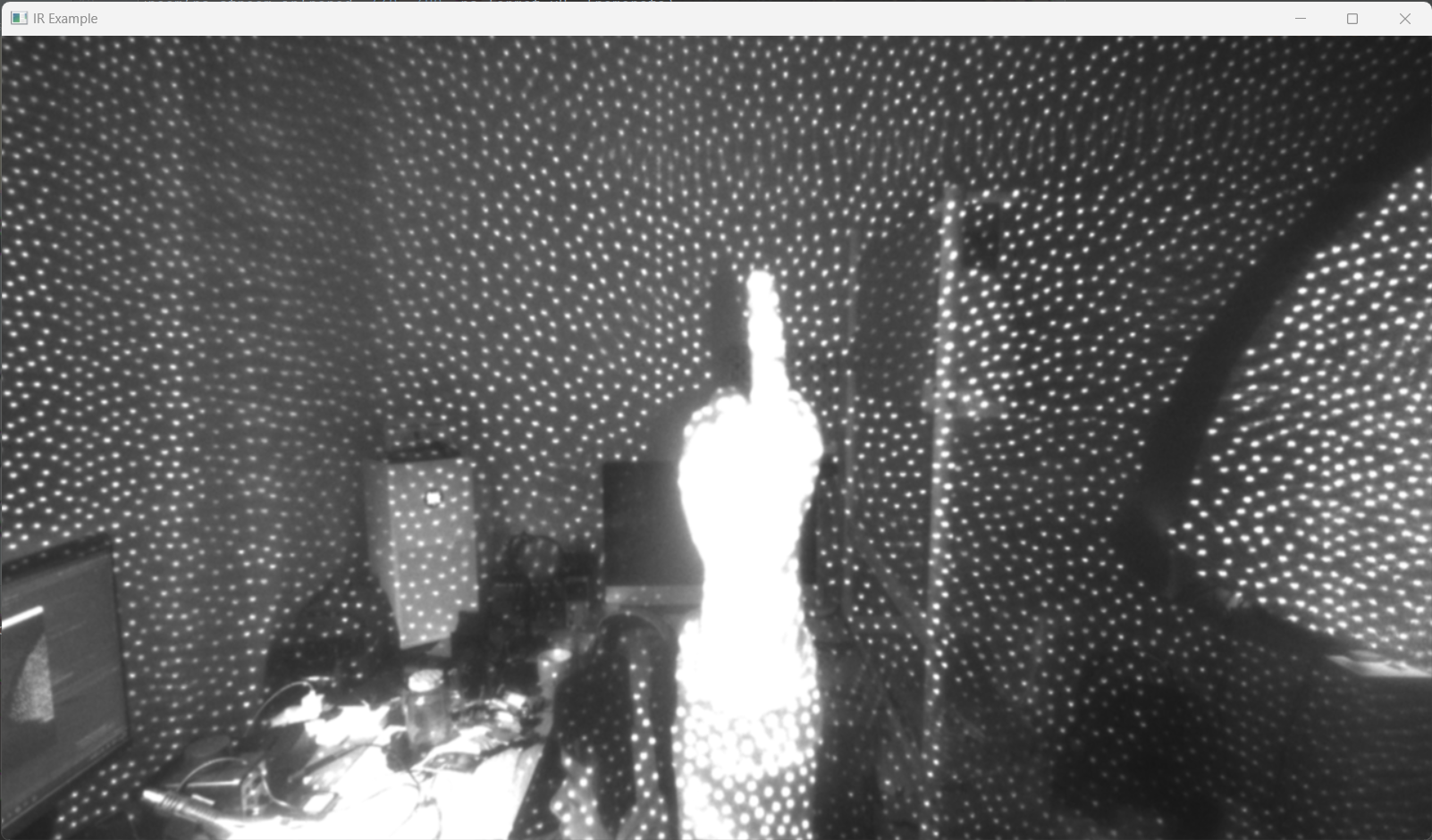
调用 IR 摄像头
import pyrealsense2 as rs
import numpy as np
import cv2

# We want the points object to be persistent so we can display the
# last cloud when a frame drops
points = rs.points()

# Create a pipeline
pipeline = rs.pipeline()
# Create a config and configure the pipeline to stream
config = rs.config()
config.enable_stream(rs.stream.infrared, 1, 1280, 720, rs.format.y8, 30)
# Start streaming
profile = pipeline.start(config)

# Streaming loop
try:
    while True:
        # Get frameset of color and depth
        frames = pipeline.wait_for_frames()
        ir1_frame = frames.get_infrared_frame(1)  # Left IR Camera, it allows 1, 2 or no input
        image = np.asanyarray(ir1_frame.get_data())
        cv2.namedWindow('IR Example', cv2.WINDOW_AUTOSIZE)
        cv2.imshow('IR Example', image)
        key = cv2.waitKey(1)
        # Press esc or 'q' to close the image window
        if key & 0xFF == ord('q') or key == 27:
            cv2.destroyAllWindows()
            break
finally:
    pipeline.stop()
调用 Depth 摄像头
import pyrealsense2 as rs
import numpy as np
import cv2
import pcl

if __name__ == "__main__":
    framerate = 90
    # Configure depth and color streams
    pipeline = rs.pipeline()
    config = rs.config()
    config.enable_stream(rs.stream.depth, 640, 480, rs.format.z16, framerate)
    # Start streaming
    pipeline.start(config)

    try:
        while True:
            # Wait for a coherent pair of frames: depth and color
            frames = pipeline.wait_for_frames()
            depth_frame = frames.get_depth_frame()

            # Convert images to numpy arrays

            depth_image = np.asanyarray(depth_frame.get_data())

            # Apply colormap on depth image (image must be converted to 8-bit per pixel first)
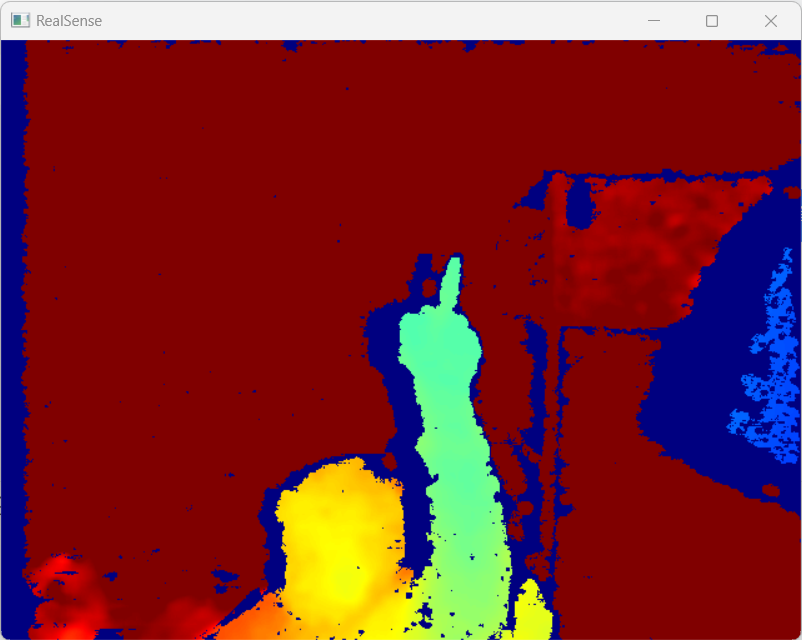
            depth_colormap = cv2.applyColorMap(cv2.convertScaleAbs(depth_image, alpha=0.2), cv2.COLORMAP_JET)

            # Stack both images horizontally
            # Show images
            cv2.namedWindow('RealSense', cv2.WINDOW_AUTOSIZE)
            cv2.imshow('RealSense', depth_colormap)
            key = cv2.waitKey(1)
            # Press esc or 'q' to close the image window
            if key & 0xFF == ord('q') or key == 27:
                cv2.destroyAllWindows()
                break
    finally:
        # Stop streaming
        pipeline.stop()
import pyrealsense2 as rs
import numpy as np
import cv2
import pcl

if __name__ == "__main__":
    framerate = 90
    # Configure depth and color streams
    pipeline = rs.pipeline()
    config = rs.config()
    config.enable_stream(rs.stream.depth, 640, 480, rs.format.z16, framerate)
    # Start streaming
    pipeline.start(config)

    try:
        while True:
            # Wait for a coherent pair of frames: depth and color
            frames = pipeline.wait_for_frames()
            depth_frame = frames.get_depth_frame()

            # Convert images to numpy arrays

            depth_image = np.asanyarray(depth_frame.get_data())

            # Apply colormap on depth image (image must be converted to 8-bit per pixel first)
            depth_colormap = cv2.applyColorMap(cv2.convertScaleAbs(depth_image, alpha=0.2), cv2.COLORMAP_JET)

            # Stack both images horizontally
            # Show images
            cv2.namedWindow('RealSense', cv2.WINDOW_AUTOSIZE)
            cv2.imshow('RealSense', depth_colormap)
            key = cv2.waitKey(1)
            # Press esc or 'q' to close the image window
            if key & 0xFF == ord('q') or key == 27:
                cv2.destroyAllWindows()
                break
    finally:
        # Stop streaming
        pipeline.stop()
评论区